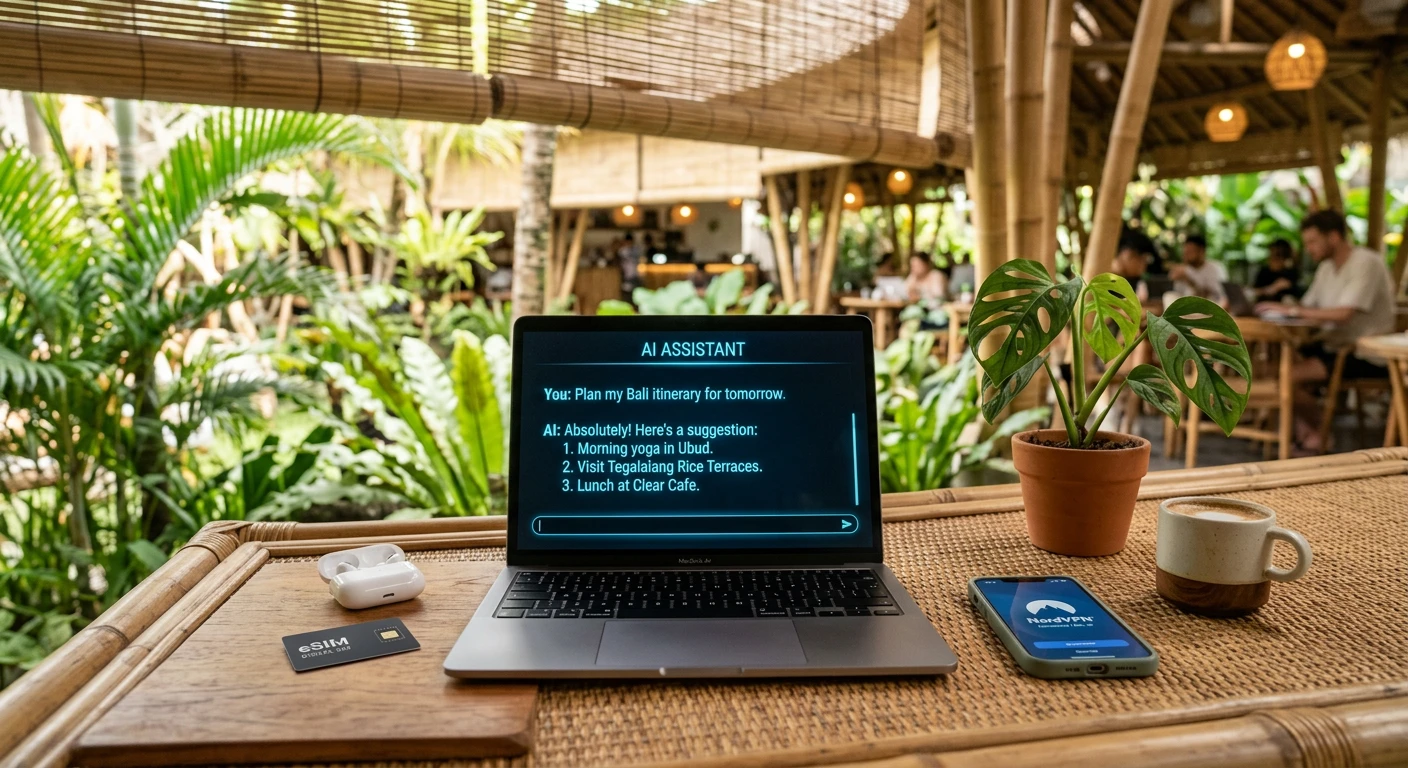
Digital nomads have always been early adopters of tools that make location-independent work more efficient. In 2026, artificial intelligence has created a category shift: the right AI stack can replace a virtual assistant, automate repetitive client tasks, eliminate language barriers, and compress work that used to take days into hours.
This guide covers the best AI tools for digital nomads by category — with honest assessments of what each one actually does well, what it costs, and how it fits into a practical nomad workflow. Before figuring out your tool stack, make sure you have the right visa country — take the free WhereToNomad quiz for personalized matches.
The Nomad AI Stack: What You Actually Need
The AI tool market is noisy. Every week there is a new app claiming to automate your entire business. In practice, nomads benefit most from AI in five areas:
- Writing and content production — The biggest time-saving category
- Research and information retrieval — Faster than searching, better than Googling
- Language and communication — Breaking the language barrier in visa countries
- Client and project management — Automating the administrative overhead of freelancing
- Financial and tax tracking — Keeping your remote finances organized
Here is what is worth paying for in each category.
Category 1: AI Writing and Content Tools
Claude (Anthropic) — Best for Complex Writing and Analysis
Cost: Free tier available; Claude Pro at $20/month; API access for power users
Claude is the strongest AI assistant for long-form writing, complex analysis, document review, and tasks that require nuanced understanding. For nomads working in consulting, content strategy, copywriting, or proposal writing, Claude handles draft creation, editing, and research synthesis better than alternatives.
Practical nomad uses:
- Drafting client proposals and presentations
- Rewriting blog posts and improving SEO copy
- Reviewing contracts and spotting unusual clauses
- Summarizing research quickly before a new country move
ChatGPT (OpenAI) — Best Ecosystem
Cost: Free tier; ChatGPT Plus at $20/month
The widest third-party plugin ecosystem and the most widely recognized tool among clients. ChatGPT’s strength is breadth — it integrates with more tools and workflows than any alternative. If a client asks “can you use AI to help with this?”, they almost certainly mean ChatGPT.
Jasper — Best for Marketing Copy at Scale
Cost: Creator plan from $39/month; Pro from $59/month
If you are a content marketer or copywriter managing multiple client accounts, Jasper’s brand voice templates and campaign workflow tools reduce the overhead of maintaining different client tones across bulk content production.
Category 2: Research and Information Tools
Perplexity AI — Best Search Replacement
Cost: Free tier; Pro at $20/month
Perplexity replaces Google for research-heavy tasks. It returns cited answers from current web sources — critical for nomads who need accurate, up-to-date information on visa requirements, tax rules, local laws, and real estate in fast-changing markets. The source citations let you verify information quickly.
Nomad use case: “What are the current income requirements for Portugal’s D8 visa?” returns a sourced, current answer in 10 seconds. Cross-check against official sources before acting on any visa information.
Elicit — Best for Academic and In-Depth Research
Cost: Free tier; Plus at $10/month
For nomads doing client research (market analysis, competitive intelligence, technical reports), Elicit pulls and summarizes academic papers and research studies. Saves significant time for consulting, finance, or strategy work.
Category 3: Language and Communication Tools
DeepL — Best Translation Quality
Cost: Free for basic use; DeepL Pro Starter from $8.74/month
DeepL consistently outperforms Google Translate for nuanced translation, especially in European languages. For nomads living in non-English-speaking countries, DeepL Pro’s document translation feature handles:
- Lease agreements and housing contracts
- Government correspondence and visa letters
- Invoices from local suppliers
- Medical documents
The difference between a good translation and a mediocre one matters when you are signing a year-long lease in Germany or responding to tax office correspondence in Thailand. DeepL Pro is worth the monthly cost in countries where you do significant amounts of written communication in the local language.
Google Translate (Live Camera Mode) — Best In-Person Tool
Cost: Free
Despite being weaker than DeepL for document translation, Google Translate’s live camera mode — point your phone at a menu, sign, or form, and it translates in real time — is irreplaceable for daily life in a foreign country. Use both: DeepL for documents, Google Translate for in-person situations.
Otter.ai — Best Meeting Transcription
Cost: Free tier; Pro at $16.99/month
If you are on video calls with clients and need accurate records, Otter.ai transcribes and summarizes meetings in real time. Useful for consultants, project managers, and anyone who needs to produce meeting minutes or action lists quickly.
Category 4: Automation and Workflow Tools
Zapier — Best for No-Code Automation
Cost: Free tier (limited); Starter from $19.99/month
Zapier connects your tools and automates repetitive workflows. Example nomad workflows:
- New inquiry in Gmail → auto-creates task in Notion + sends acknowledgment reply
- Invoice marked paid in Wave → updates project tracker in Airtable
- New Calendly booking → sends intake form + creates Zoom link + logs to spreadsheet
The free tier handles 5 Zaps (automations), which covers basic setups. Most nomads running one or two client workflows need the Starter plan.
Make (formerly Integromat) — Best for Complex Automations
Cost: Free tier; Core from $9/month
Make handles more complex, multi-step automations with conditional logic. Better than Zapier for workflows with branching paths. The lower entry-level price makes it worth trying for anyone who outgrows Zapier’s free tier.
Notion AI — Best Integrated Workspace + AI
Cost: Notion AI add-on at $10/month per person (on top of Notion Free or paid plan)
For nomads using Notion as their primary workspace (notes, project tracking, client wikis), the Notion AI add-on adds writing assistance, summary generation, and action-item extraction directly inside your existing workflow. One tool, one monthly cost, no context-switching.
Category 5: Visual and Design AI
Canva AI (Magic Studio) — Best for Non-Designers
Cost: Canva Free includes some AI features; Canva Pro from $14.99/month
Canva’s AI features — background removal, text-to-image generation, Magic Write for copy, and auto-resize for different platforms — cover most visual creation needs for nomads running a personal brand or content business. If you are not a professional designer, Canva Pro replaces the need for a design VA.
Midjourney — Best for High-Quality Image Generation
Cost: Basic plan at $10/month; Standard at $30/month
For nomads producing content that requires custom imagery — blog headers, social media visuals, marketing materials — Midjourney produces the highest quality AI-generated images currently available. Requires Discord to operate, which adds a small friction point.
Category 6: Finance and Bookkeeping AI
Wave (Free) + AI Features — Best Free Invoicing
Cost: Free for invoicing and accounting; payments processing fees apply
Wave is the most popular free invoicing and accounting tool for freelance nomads. The recent AI-assisted bookkeeping features auto-categorize transactions and flag anomalies. Connects with Wise and most major bank feeds. Strong enough for freelancers billing under $200,000/year.
QuickBooks Self-Employed — Best for US Tax Prep
Cost: From $10/month (discounted plans available)
For American nomads who need clean records for the FEIE and self-employment tax calculations, QuickBooks Self-Employed automatically tracks income and expenses, calculates estimated quarterly taxes, and exports records in a format that makes working with your expat accountant much easier.
For filing itself, e-file.com supports Form 2555 (FEIE) and handles US expat filing from anywhere.
The Recommended Nomad AI Stack by Budget
Starter stack — $0/month
| Tool | Use |
|---|---|
| Claude Free / ChatGPT Free | Writing and research |
| Google Translate | Language and translation |
| Canva Free | Basic design |
| Wave Free | Invoicing |
| Zapier Free (5 Zaps) | Basic automation |
Core stack — $30–50/month
| Tool | Monthly cost | Use |
|---|---|---|
| Claude Pro or ChatGPT Plus | $20 | Advanced writing and analysis |
| Perplexity Pro | $20 | Research and sourcing |
| DeepL Pro Starter | $8.74 | Document translation |
| Canva Free | $0 | Design (upgrade if needed) |
| Wave Free | $0 | Invoicing |
| Total | ~$48/month | Full writing, research, language |
Professional stack — $80–120/month
| Tool | Monthly cost | Use |
|---|---|---|
| Claude Pro | $20 | Complex writing and analysis |
| Perplexity Pro | $20 | Research |
| DeepL Pro | $8.74 | Translation |
| Notion + Notion AI | $16 | Workspace + AI |
| Zapier Starter | $20 | Automation |
| Canva Pro | $14.99 | Design |
| Total | ~$100/month | Full professional AI workflow |
The math is compelling: a $100/month AI stack delivering 10+ hours of saved work per month replaces a $1,500–2,500/month virtual assistant for most solo freelancers.
Security: The Non-Negotiable Tool
Every AI tool worth using requires an internet connection. In practice, that means you will use them on cafe WiFi, coworking space networks, and hotel internet — all shared, unencrypted networks. A VPN is essential.
NordVPN encrypts your connection and prevents credential theft on public networks. At $3.59/month on the 2-year plan, it is the lowest-cost highest-impact security investment you can make. Also get a quality eSIM from Airalo so you always have a backup data connection that does not rely on public WiFi.
AI Tools Are Not a Replacement for Visa Planning
AI can help you research visa options, but the best tool for finding the right digital nomad visa is still structured data with real income requirements, tax status, and processing times — which is exactly what the WhereToNomad quiz provides. Take the quiz first to find your visa country, then build your AI stack to work from it efficiently.
Also read: Digital Nomad Toolkit 2026 | Remote Jobs for Digital Nomads | Best VPN for Digital Nomads | Best eSIM for Digital Nomads | How to Become a Digital Nomad
Find your perfect digital nomad visa match
Answer 5 questions — personalized results in under 2 minutes. Free.
Take the Free Quiz →